I already have a 3D model
Check the file for free and find out whether it is ready for 3D configuration and WebAR.
Check your model for free3D + WebAR for your website
Show every version of your product - on your website or through a single link. Interactive 3D, materials, colours, sizes, options, the current price and augmented reality viewing with WebAR - no app to install.
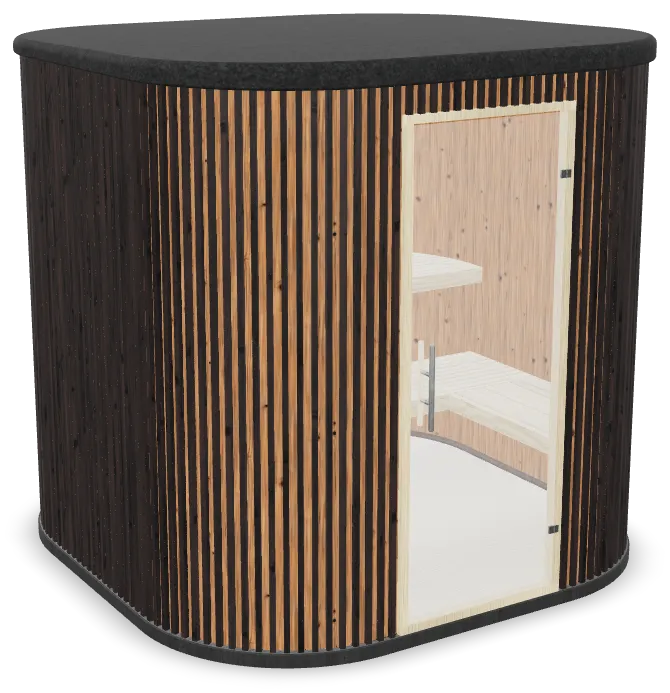
Features
01 / Variants
Materials, colours and individual elements change right in 3D - no separate photo for each combination.
02 / Sizes
Length, width, height and other parameters can be part of the configuration.
03 / Options
Add, remove and swap individual components in one model.
04 / Price
The price changes with the selected parameters and the rules you set.
05 / WebAR
The selected model can be opened in augmented reality through the phone camera to see how it looks in your space at its real size - without installing any additional apps.
06 / Result
The selected parameters can be saved in a link and sent together with an enquiry.
Change the parameters and watch the model, the price and the final configuration update in real time.
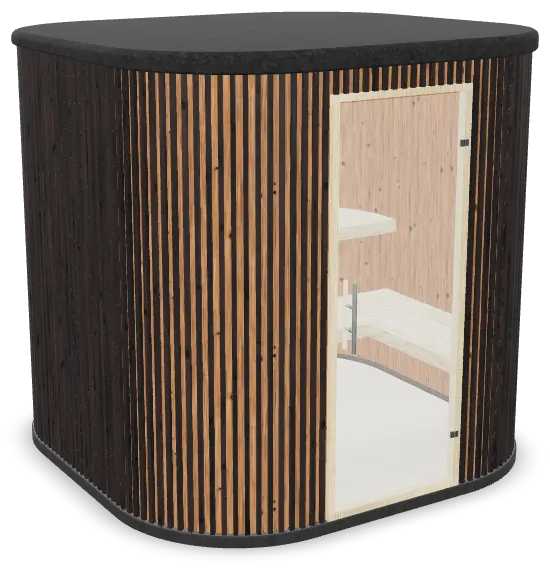
Loading the model…
Could not open 3D
3D is not available in this browser
Open the example on your phone or in another browser.
The 3D demo model is not available right now.
One model - many versions
One prepared 3D model can show different materials, colours, sizes and components. Changes appear instantly on one page.
 01Base model
 02Material
 03Size
 04Components
 05Final configuration
Sizes
Length, width and height are part of the configuration. When a size is selected, the model changes at once and dimension lines show the final measurements.
Especially important for

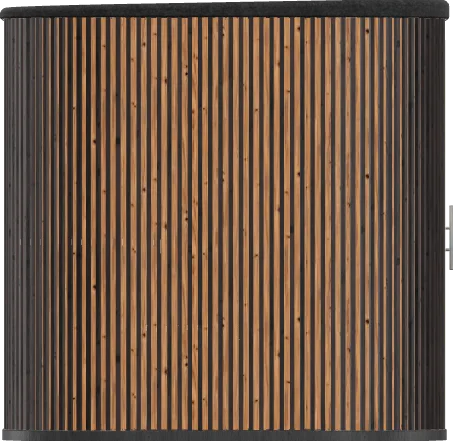
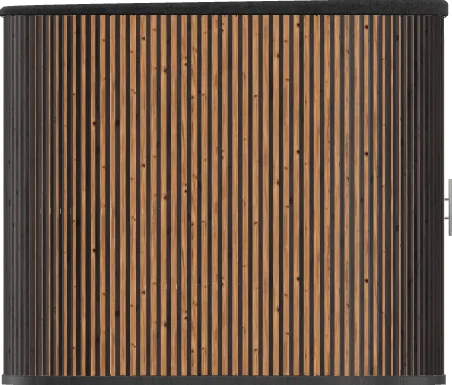

WebAR opens the prepared 3D model through the camera of a supported phone. You can check its scale and placement in a room or on a site without installing a separate app.
For correct scale, the 3D model must be prepared with the right dimensions.
After connecting
Colours, materials, sizes and options are in one interface.
WebAR opens the selected version in augmented reality without installing any additional apps.
Customers can build their own configuration on your website or receive a pre-configured version through a link.
Parameters and publishing are set up in OKADAR Studio.
How it works
Use an existing GLB or order creation or adaptation.
In OKADAR Studio you set up the variants available for a specific model: materials, colours, components, sizes, prices and actions.
Get the code and add the configurator to an existing page of your website.
Return to Studio, change the configuration and publish a new version.
Where to start
Check the file for free and find out whether it is ready for 3D configuration and WebAR.
Check your model for freeWe fix scale, structure, materials and optimisation and prepare the model for OKADAR and WebAR.
€150 / model+14 days of Studio for each model
Order adaptationWe create it from photos, dimensions or drawings and prepare it for use on your website.
€350 / model+30 days of Studio for each model
Discuss creationStudio is where you connect the model, set up variants and rules, and publish the finished configurator.


Upload your 3D model to OKADAR Studio, set up the configurator and get ready-made files to host on your own website or in storage of your choice. After that, the model does not need to be stored on the OKADAR server.
When Studio access ends, published configurators keep working. You need Studio access again when you want to change settings or publish a new version.
Pricing
€99 / month
Setting up models and variants and publishing configurators.
No separate fee for views.
More about Studio€150 / model
Preparing an existing model for the configurator and WebAR.
+14 days of Studio for each model
Order adaptation€350 / model
Creating and preparing a model from photos, dimensions or drawings.
+30 days of Studio for each model
Discuss creationPublished configurators keep working after Studio access ends.
VAT is not added to the displayed prices. OKADAR OÜ is not registered for VAT.
Yes. We will create the 3D model from photos, dimensions or drawings. The price is €350 per model, with 30 days of Studio included for each model. Before work begins, we assess the task and agree on the scope.
No. The configurator is added to an existing page if your platform lets you insert code. We check whether your website can be connected before work starts.
Published configurators keep working. You need Studio access to change settings or publish a new version.
No. 3D opens in the browser, and WebAR works on supported phones without a separate app.
You keep it. The 3D model is uploaded to OKADAR Studio to set up the configurator, and you host the ready-made files on your own website or in storage of your choice - the model does not need to be stored on the OKADAR server.
No. Studio costs €99 a month with no separate fee for views; creating and adapting models is paid separately.
If you already have a 3D model, check it for free right in your browser. If it needs adapting or creating from scratch, we first determine the scope of work.
No payment. The file is checked before any work is ordered.