No 3D model yet
We create the model from photos, dimensions or drawings, set up the configurator and hand over everything for your website, including editable files.
from €350 / model+30 days of Studio per model on single orders
Discuss creation


Your configurator. Your visualizer.
Show every variant of your product - on your website or through a single link. Interactive 3D, materials, colors, sizes, options, the current price and augmented reality viewing with WebAR - no app to install.
If you still have questions, you can book a call and discuss them with us at a time that suits you.
Book a call
Features
We make the 3D model of your product and set up the configurator around your needs: any feature below can be switched on or off, and animation can be added when needed.
01 / Variants
Materials, colors and individual elements change right in 3D - no separate photo for each combination.
02 / Sizes
Length, width, height and other parameters can be part of the configuration.
03 / Options
Add, remove and swap individual components in one model.
04 / Price
If needed, the price is recalculated from the selected options and your rules; you can also keep it hidden from buyers.
05 / WebAR
The selected model can be opened in augmented reality through the phone camera to see how it looks in your space at its real size - without installing any additional apps.
06 / Result
The selected parameters can be saved in a link and sent together with an inquiry.
Change the parameters and watch the model, the price and the final configuration update in real time.
Loading the model…
Could not open 3D
3D is not available in this browser
Open the example on your phone or in another browser.
The 3D demo model is not available right now.
One model - many variants
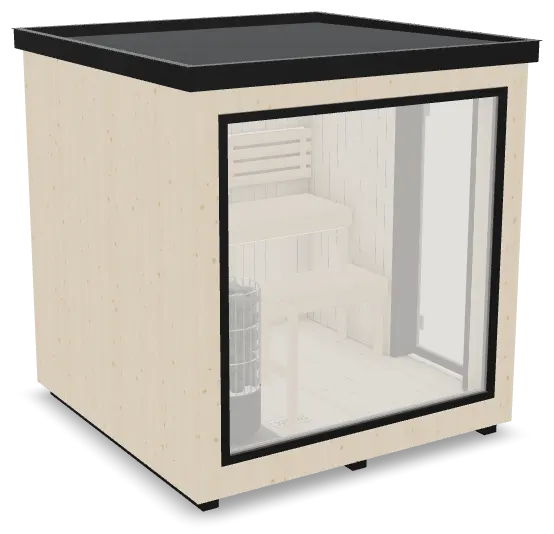
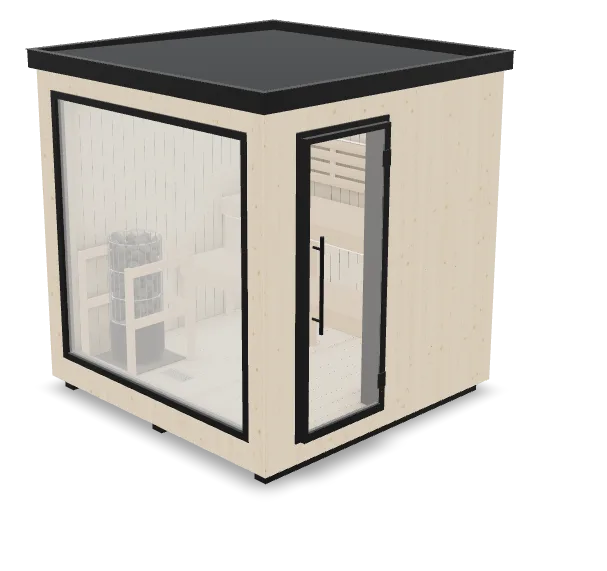
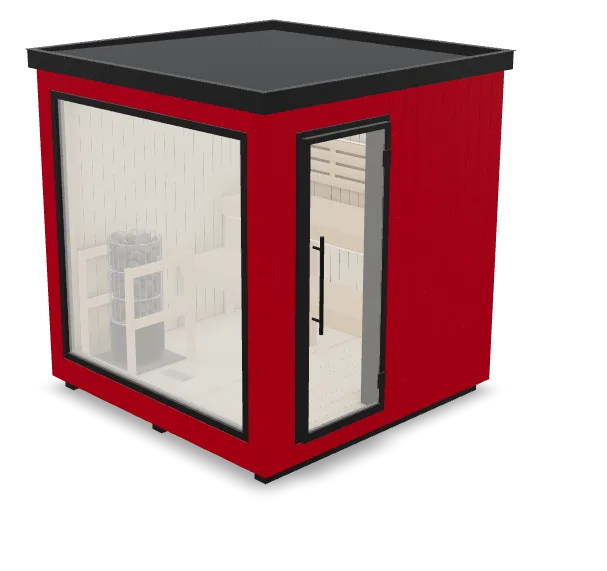
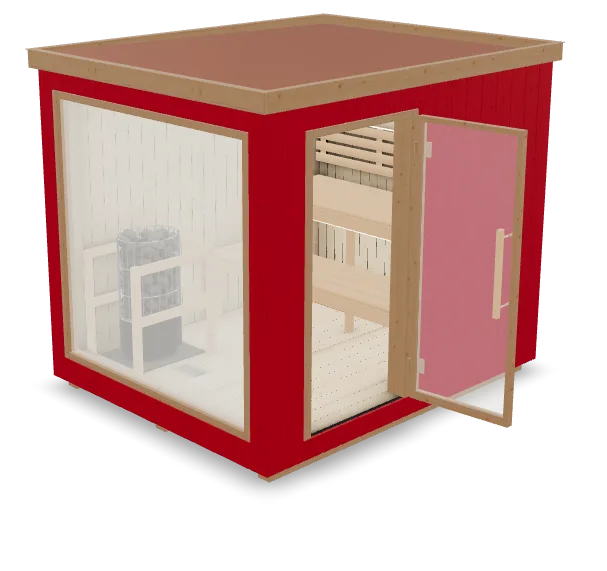
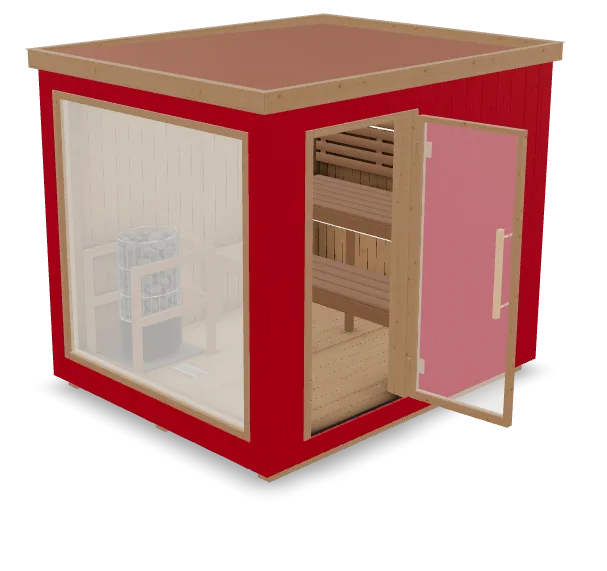
One prepared 3D model can show different materials, colors, sizes and components. Changes appear instantly on one page.
 01Base model
 02Material
 03Size
 04Components
 05Final configuration
Sizes
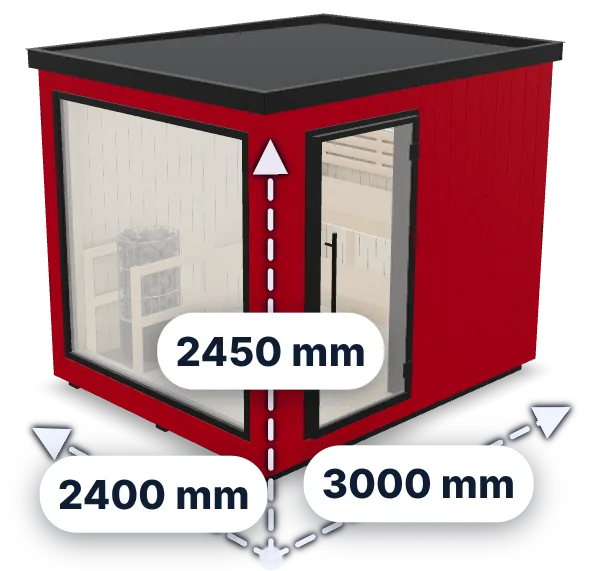
Length, width and height are part of the configuration. When a size is selected, the model changes at once and dimension lines show the final measurements.
Especially important for


WebAR opens the prepared 3D model through the camera of a supported phone. You can check its scale and placement in a room or on a site without installing a separate app.
For correct scale, the 3D model must be prepared with the right dimensions.
After connecting
Colors, materials, sizes and options are in one interface.
WebAR opens the selected variant in augmented reality without installing any additional apps.
Customers can build their own configuration on your website or receive a pre-configured variant through a link.
Parameters and publishing are set up in OKADAR Studio.
How it works
Use an existing GLB or order creation or adaptation.
In OKADAR Studio you set up the variants available for a specific model: materials, colors, components, sizes, prices and actions.
Add the configurator to your product page using the website code, the WordPress plugin or self-hosted project files.
Return to Studio, change the configuration, download the project again and replace the files on your website.
A 3D model, a choice of variants, price calculation, WebAR and an inquiry with the chosen configuration.
Prepared or created for the configurator and WebAR; it stays with you.
An editor where you change the variants, materials, colors and prices yourself.
The buyer sends the chosen configuration to your email or your CRM.
The configurator files keep working on your own hosting even after Studio access ends.
Where to start
We create the model from photos, dimensions or drawings, set up the configurator and hand over everything for your website, including editable files.
from €350 / model+30 days of Studio per model on single orders
Discuss creationWe prepare the model for web and WebAR, set up the configurator and hand over everything for your website, including editable files.
from €150 / model+14 days of Studio per model on single orders
Discuss adaptationCheck the file for free and set up the configurator in Studio - on your website it will work with augmented reality.
Free check and setupPublishing - €15 per model or €99 per month
Check your model for freeA done-for-you configurator works without Studio. Studio is for setting things up yourself when you need to: connect your own model, change variants, rules and prices, and publish a new version.


Upload your 3D model to OKADAR Studio, set up the configurator and get ready-made files to host on your own website or in storage of your choice. After that, the model does not need to be stored on the OKADAR server.
Once published, the 3D model, configurator and WebAR work on your website without a subscription, with no fees for views and no limits on the number of visitors. You need Studio again only when you want to change prices, materials or parameters, or add models.
Pricing
Done for you
No model, or it needs preparing: we make the model, set up the configurator and hand over everything for your website, including editable files. Packages of 8 and 16 models cost less. Payment after acceptance.
from €150 / model
adapting your model and setting up the configuratorfrom €350 / model
creating the model and setting up the configurator€15 / hour of work
small changes, minimum 4 hours (€60)Do it yourself
For changes you make yourself later: update variants and prices or add a new model, made by us or by you. You pay for access to the software, not for views.
Free after sign-up
model check, setup, test on your phone€15 one-time, per model
publishing, website code, project download€99 / month
all models, cancel anytimeEither way, the configurator works on your website without a subscription or fee for views, and the files stay with you. You come back to Studio only when you need to change something.
All prices are shown without VAT: VAT is not added to them or charged at payment. OKADAR OÜ is not registered for VAT.
OKADAR lets you add interactive 3D models to your website. Visitors can view a model from every side, choose the available variants and open it in augmented reality on a smartphone or tablet to see the object in their own space at 1:1 scale.
This shows size, appearance and the available variants far more clearly than photos or drawings. No separate app needs to be installed.
You can try the service for free first. Registration is free, and you can check your model for compatibility before paying. The site also has ready-made examples: open them on a phone or tablet and see for yourself how 3D and augmented reality work.
You only pay once you decide to use the service for your own models.
No. Setting up and checking the configurator in Studio costs nothing. You pay when you publish: €15 one-time for one model with all its variants, without a subscription, or €99 a month for all models - you can take a subscription for one month and not renew it.
Published configurators keep working on your website. When you need to change something, you can take Studio access again, and a model paid for at €15 can be edited at no extra cost.
Yes. We will create the 3D model from photos, dimensions or drawings, set up the configurator and hand over everything for your website. The price is from €350 per model; single orders include 30 days of Studio for each model. We state the exact price in an offer before work begins; you pay after accepting the result.
No. The configurator is added to an existing page if your platform lets you insert code. We check whether your website can be connected before work starts.
No. 3D opens in the browser, and WebAR works on supported phones without a separate app.
You keep it. The 3D model is uploaded to OKADAR Studio to set up the configurator, and you host the ready-made files on your own website or in storage of your choice - the model does not need to be stored on the OKADAR server.
No. Studio costs €15 one-time per model or €99 a month, with no fee for views; creating and adapting models is paid separately.
Yes. Choose a convenient time for a short online call. During the call we will show how OKADAR works, look at your specific case and answer your questions.
If you already have a 3D model, check it for free right in your browser. If it needs adapting or creating from scratch, we first determine the scope of work.
No payment. The file is checked before any work is ordered.